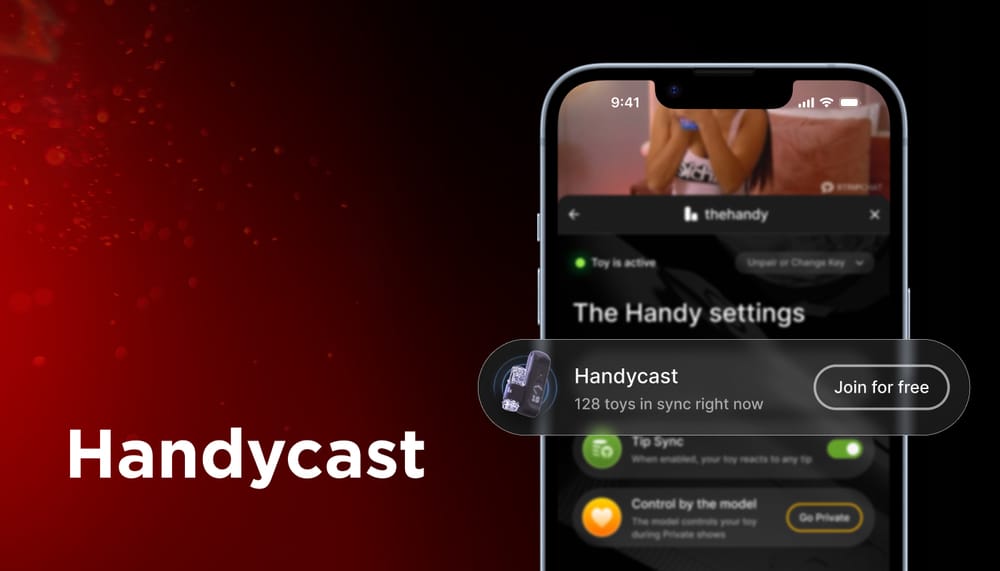
Handycast Is Here! Join a Public Show With Your Handy
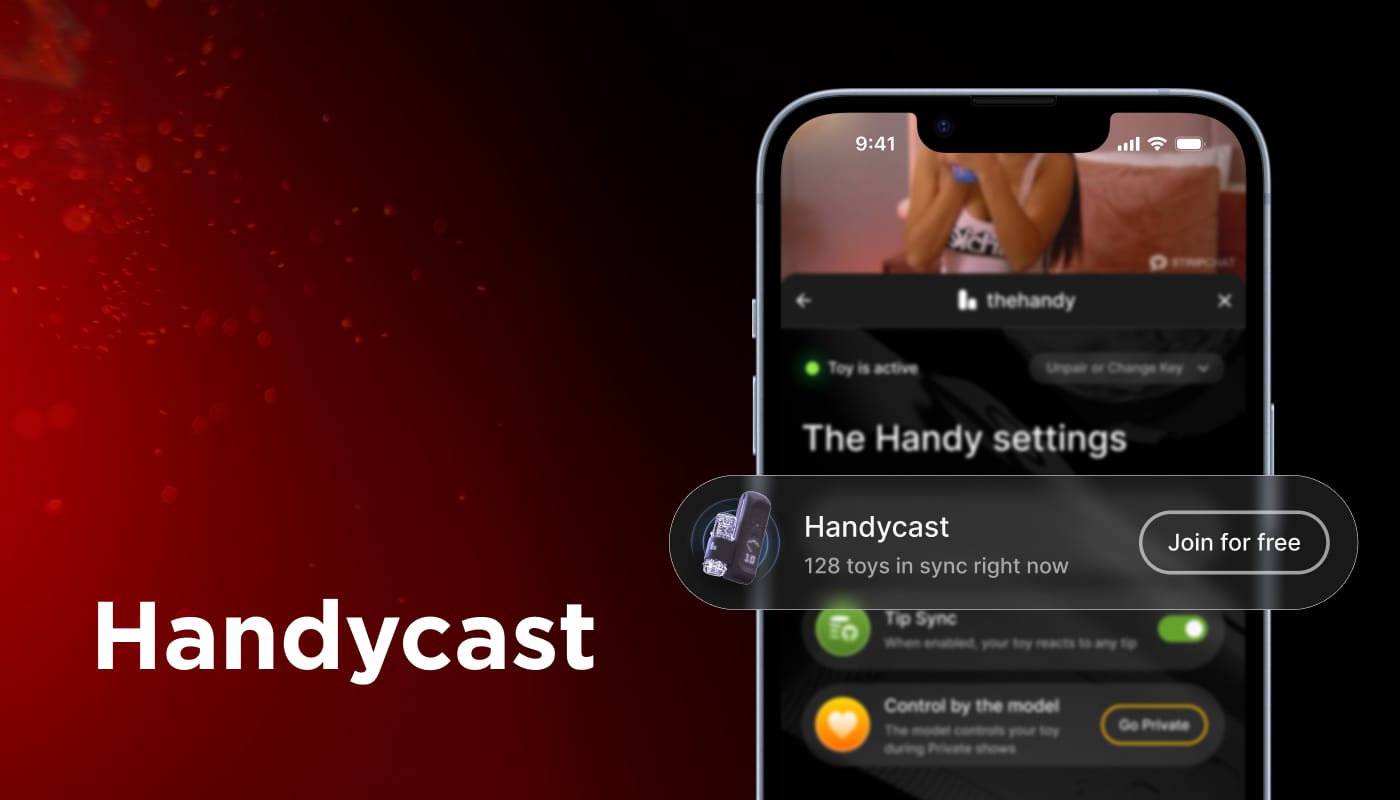
The Handy is an interactive sex toy, a stroker that moves on its own and can be controlled from a phone or a browser. On Stripchat, it works through the Handy extension in the Tip Menu.
This week the extension got a new feature: Handycast. It lets a model control every Handy in the room during a Public Show. Thousands of viewers can connect at once, and the model sets the pace for all of them.
Until now, model control was only available in Private Shows. With Handycast, it comes to Public Shows, so more viewers can take part.
Save the Date: Handycast Show on November 7
To mark the launch, we’re hosting a special live show with aus_queen, and you’re invited.
When: November 7 at 8:30 PM (UTC)
Where: aus_queen’s Public Show
How to join: open the broadcast, open the Handy extension in the Tip Menu, and connect your Handy.
Follow aus_queen now so the show is easy to find when it starts.
Want to try the extension before the event? The Handy category lists all models who use it, and you can test the features that are already live.
How to Join a Handycast Show
1. Pick a model
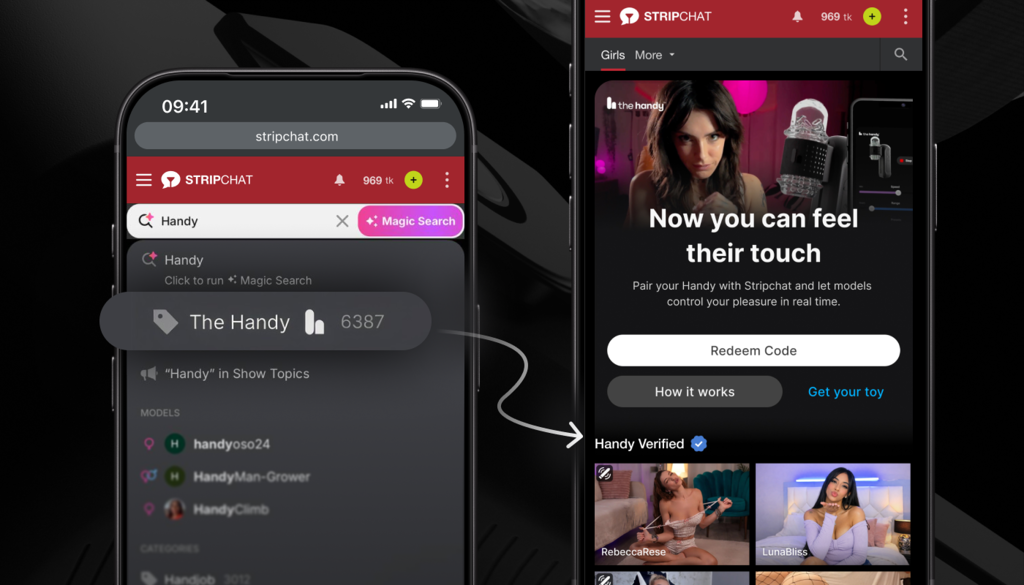
Go to the Handy category. It shows all models who have the Handy extension installed. Not all of them are running a Handycast show at the moment, so open the stream of a model you like and check.
2. Check if Handycast is on
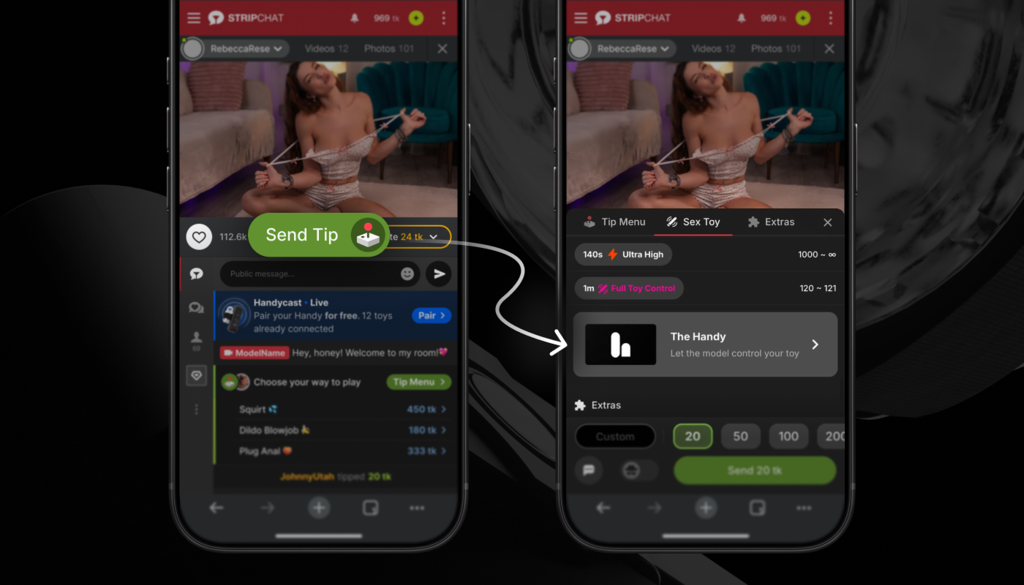
Open the Tip Menu and tap the Handy extension. If Handycast is active, you’ll see it there. You’ll also see a message in the chat inviting you to join.
3. Connect your Handy
Follow the steps in the extension to connect your device. Once it’s connected, the model takes control.
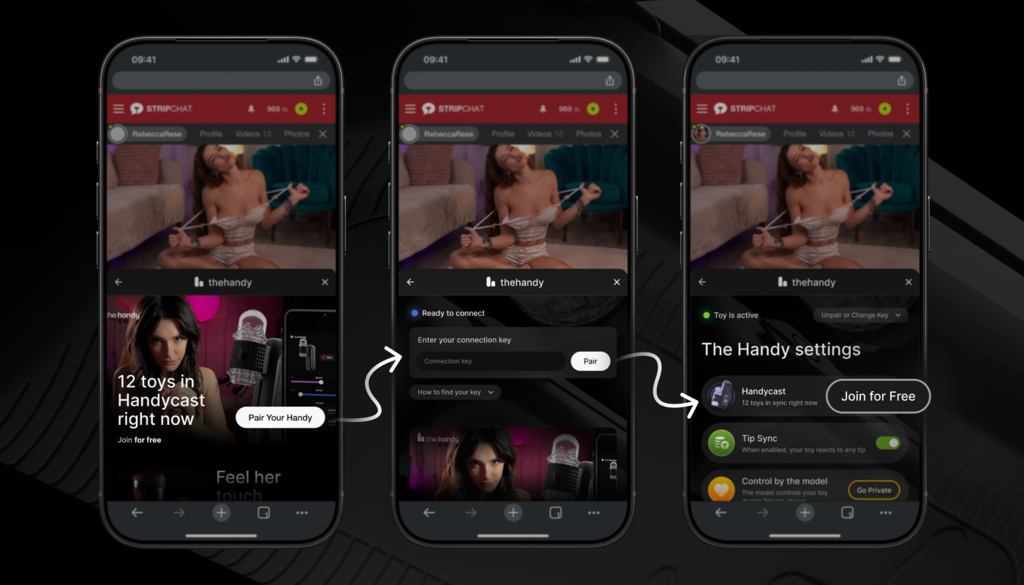
Other Ways to Use Your Handy on Stripchat
Handycast is the newest feature in the Handy extension, but not the only one. Here’s what else you can do, in Public Shows and in Private Shows.
Tip Sync: Feel Every Tip
Connect your Handy and watch a show with Tip Sync on. Every tip the model receives sends a signal to your device, including tips from other viewers. It’s free, and it works in Public Shows.
Give Control: A Private Show, Your Way
In a Private Show, you can hand control of your Handy to the model, who sets the pace based on what you like.
Give Control is already available. Go to the Handy category, pick a model who supports it, and start a Private Show.